Reuse assets across production
Manage the product models, materials, props, templates, and AI Styles that make the next project faster to direct.
The asset library holds reusable production inputs. It is where a finished setup stops being trapped inside one project and becomes available to the next person, product, or workflow.
Choose the asset by the decision it preserves
The Library keeps prepared models and the reusable pieces of a scene in one workspace. Start with the category you need, then search or browse the available assets.
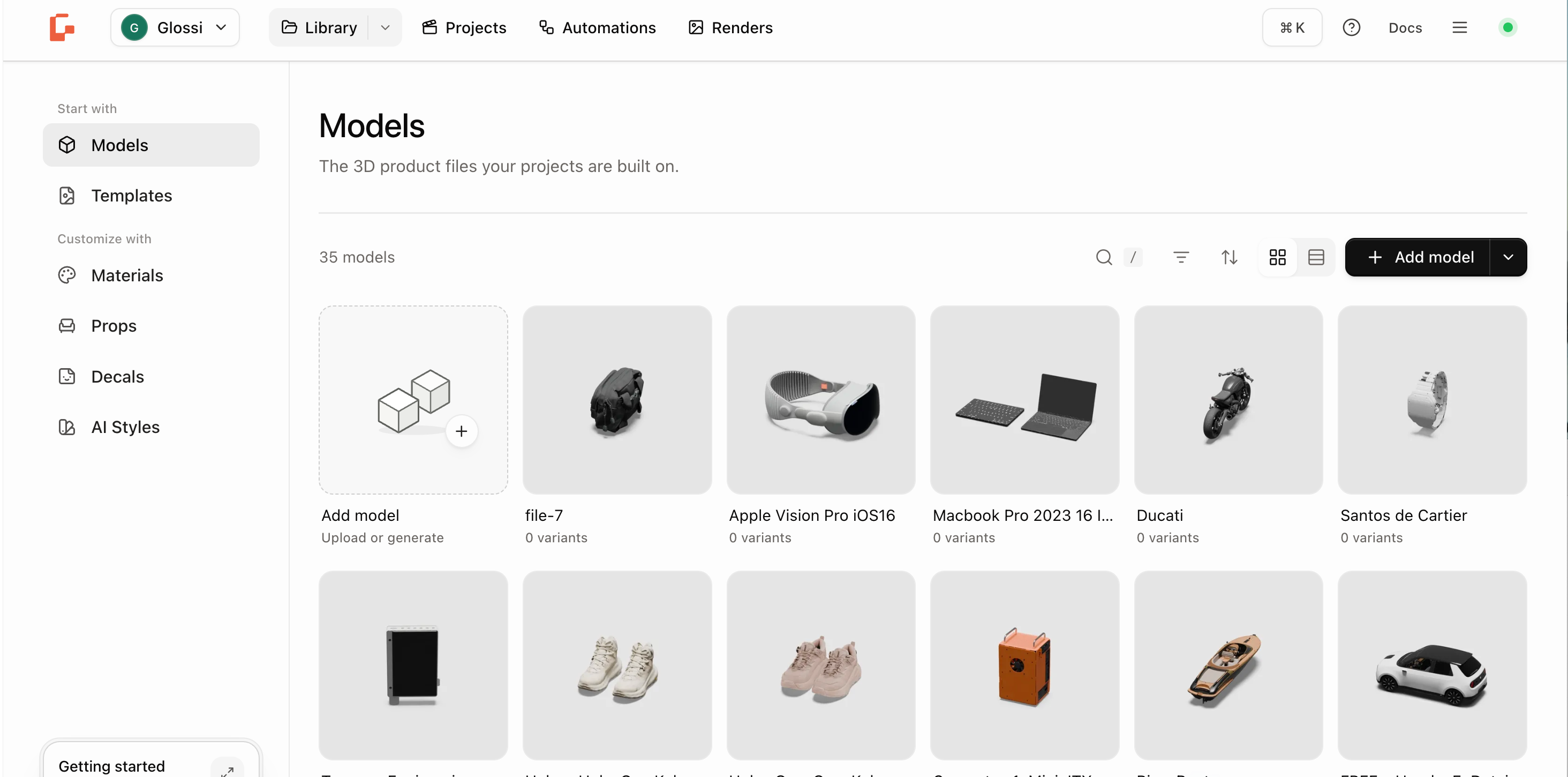
| Asset | What it preserves | Reuse it when |
|---|---|---|
| Models | Product geometry and prepared product state | The same product should enter another scene or configuration. |
| Materials | A named surface finish and its supported channels | An approved finish should be applied again. |
| Props | A scene object and supported material overrides | A recurring object should dress another scene. |
| Decals | A logo or label image and the inks it prints with | A logo should appear in a model's decal slots. |
| Templates | Scene, lighting, cameras, angles, and clips | Approved art direction should be repeated. |
| AI Styles | A coherent set of visual references | A related generative treatment should begin from shared direction. |
Manage here, apply in context
Use the library to browse, search, inspect, favorite, rename, organize, and remove reusable assets. Apply an asset from the workflow that needs it:
- choose a model while creating a project or Quick Render run
- choose materials and props inside Studio
- assign decals to decal slots in Studio or on a variant's page
- choose a template while creating or repeating a project
- choose an AI Style while editing a completed render
This keeps selection close to the decision it changes.
Know the source and readiness
Library assets can come from your workspace, a curated Glossi catalog, a source 3D tool, or a supported generation flow. An asset appearing in the library does not always mean it is ready for every production use.
Before reuse, inspect the state that matters:
- models: processing, scale, parts, regions, options, and poses
- materials: provenance, channels, supported controls, and current version
- props: scale, orientation, and material behavior
- decals: transparency and recorded inks
- templates: source project, included views, current version, and lock state
- AI Styles: reference coherence and reviewed output examples
Build a library that compounds
- Name assets for their durable role, not the day they were created.
- Favorite accepted assets rather than every candidate.
- Use collections or tags where the library exposes them.
- Create a new version when approved direction changes.
- Remove duplicates only after confirming they are not used by current work.
The best library makes the next correct choice obvious.
Start with the highest-leverage asset
Prepare one model, direct one accepted project, then preserve the reusable decisions:
- Save the scene as a template.
- Save the product finishes as materials.
- Save recurring scene objects as props.
- Save a generative reference set only after its output has been reviewed.